1
Gather your pictures
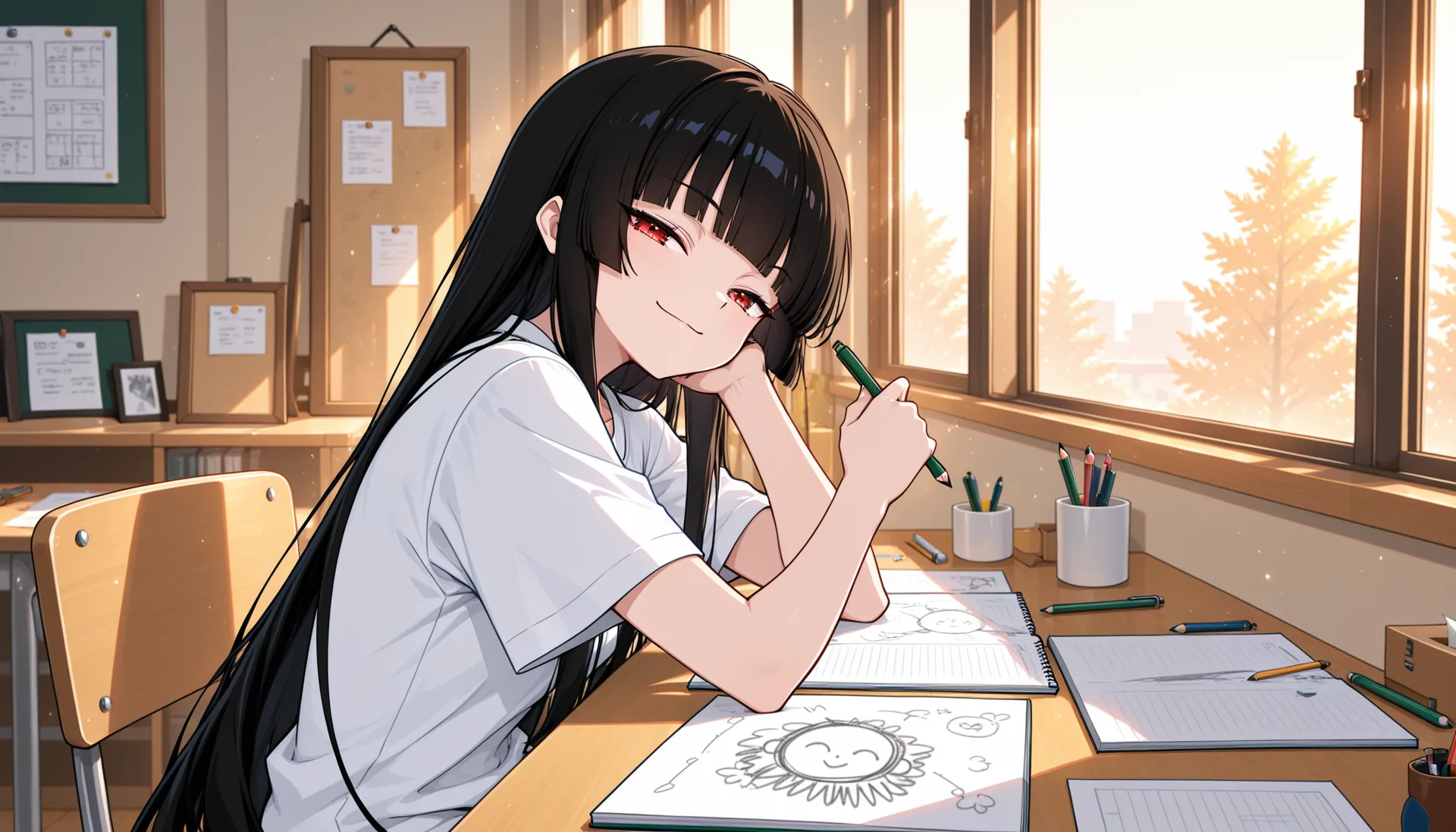
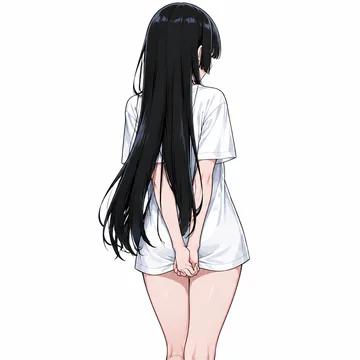
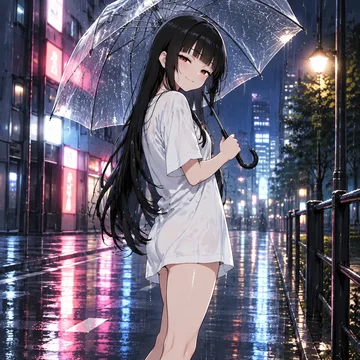
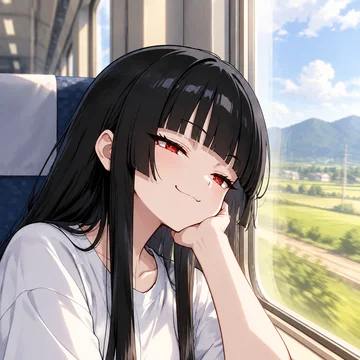
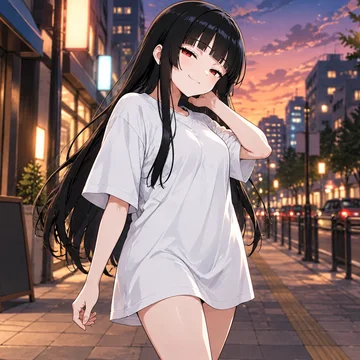
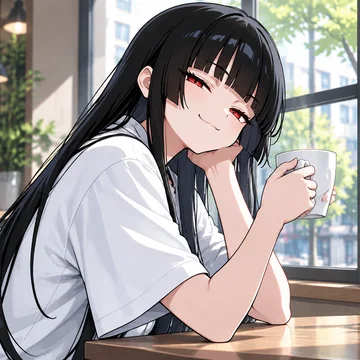
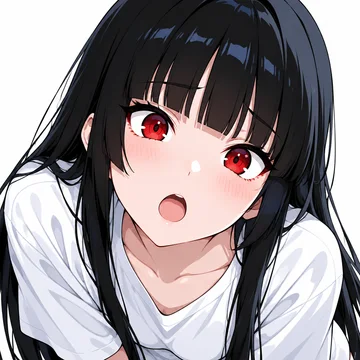
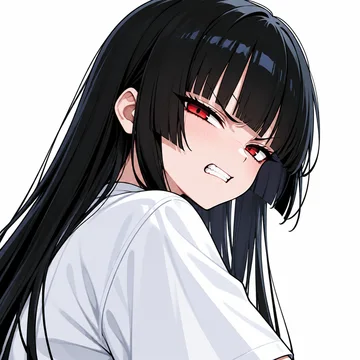
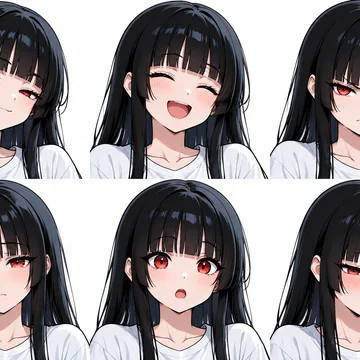
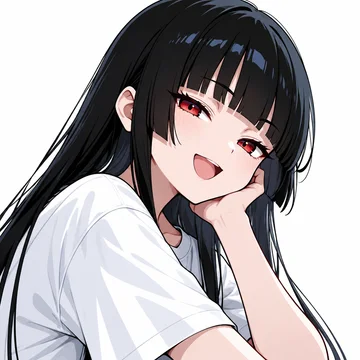
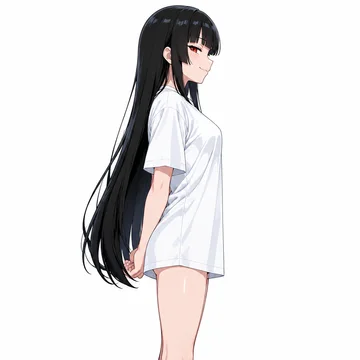
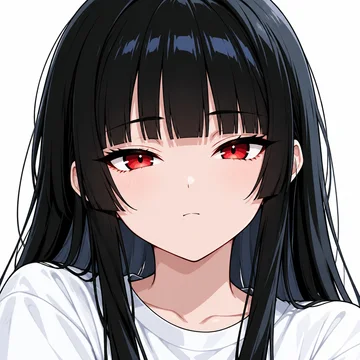
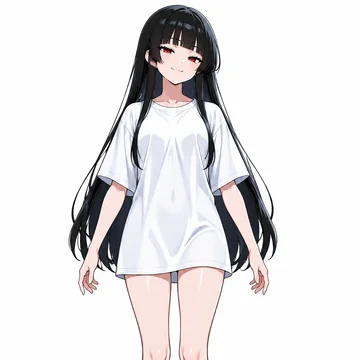
A dozen or more drawings of what the model should learn, varied in pose and framing. Here, the mascot’s reference sheet from the OC Creator: turnarounds, faces, expressions and a few scenes, sent to the Studio in one click.
A LoRA is your own small model. Train it on your pictures, then use it any time you generate.
What can I train?Follow the trainings in progress, pick the epoch to keep from a finished one, publish it.
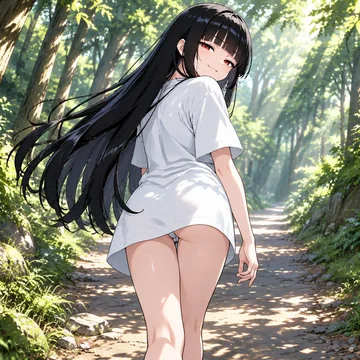
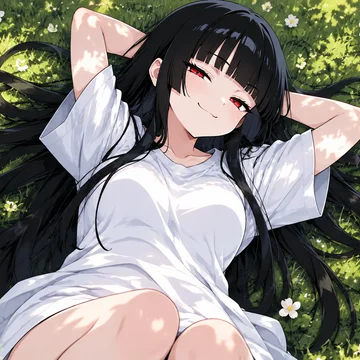
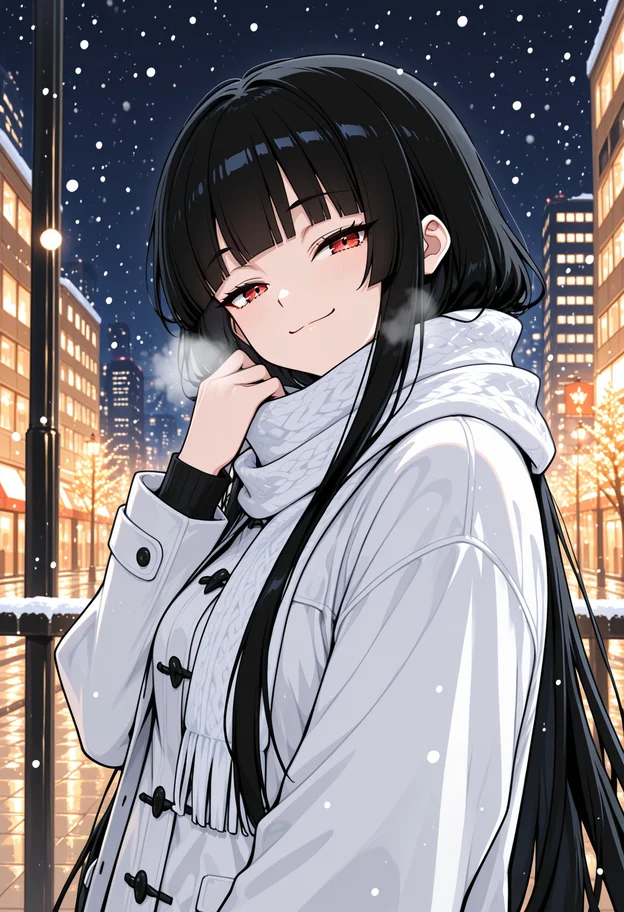
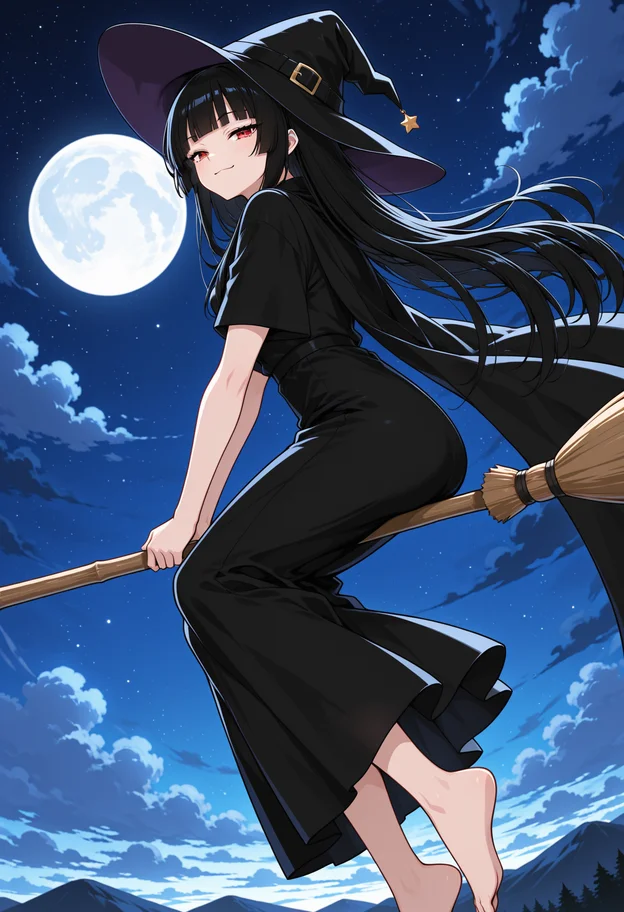
Our mascot, trained in the Studio exactly the way you would. Every picture below is the real thing.
A dozen or more drawings of what the model should learn, varied in pose and framing. Here, the mascot’s reference sheet from the OC Creator: turnarounds, faces, expressions and a few scenes, sent to the Studio in one click.
Every picture came labelled. What changes from one to the next is tagged: the pose, the place, the expression. What never changes, the black hair, the red eyes, the white shirt, is left out, so the trigger word ashi_girl learns it.
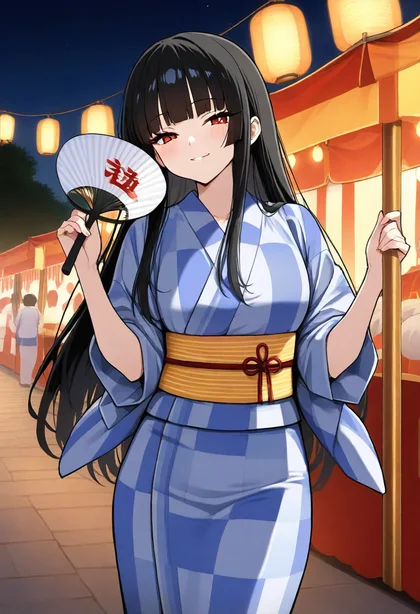
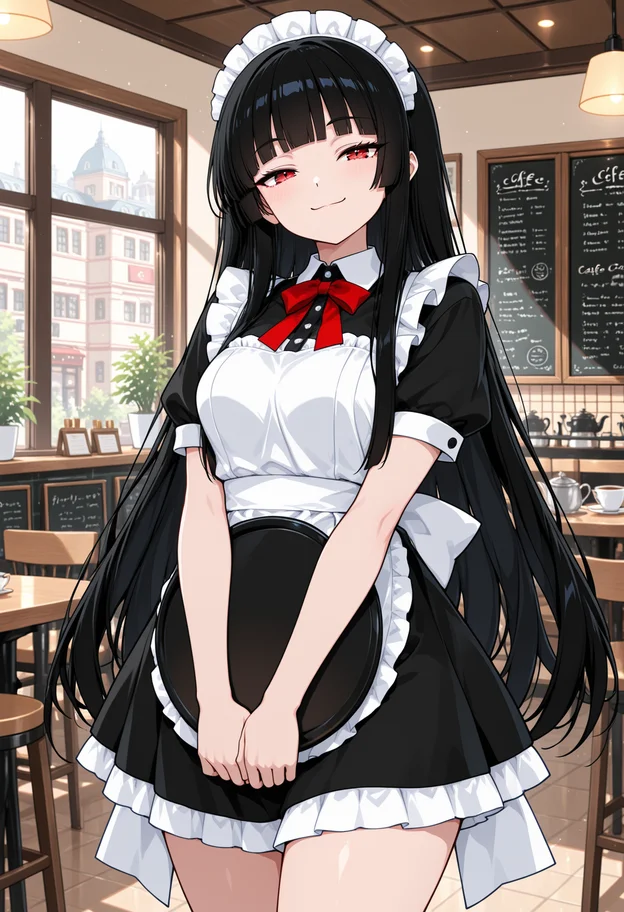
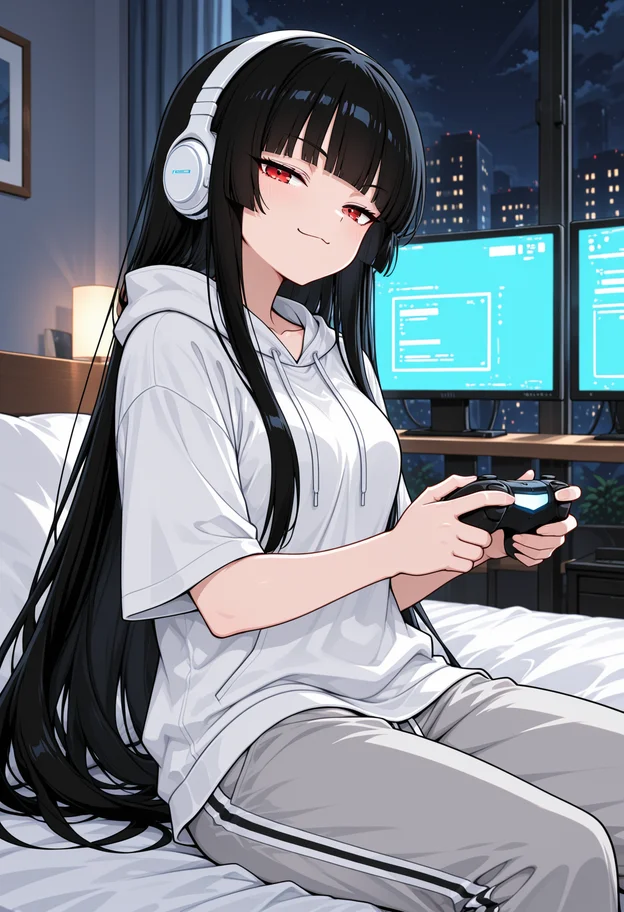
Every epoch renders the three sample prompts, so you watch the model learn. The early ones barely know her. By the last, it is her, in places the dataset never showed.
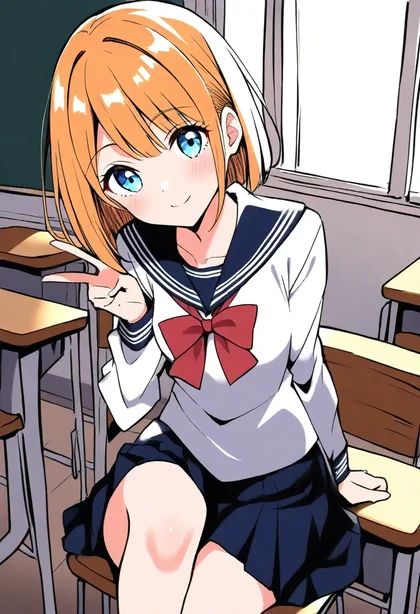
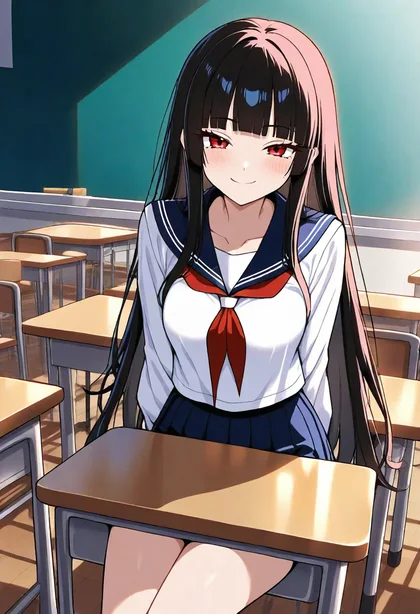
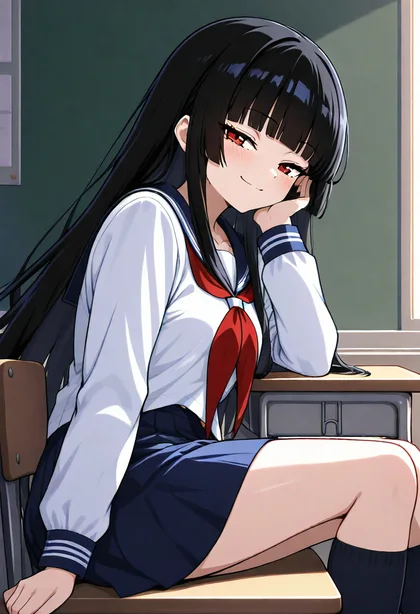
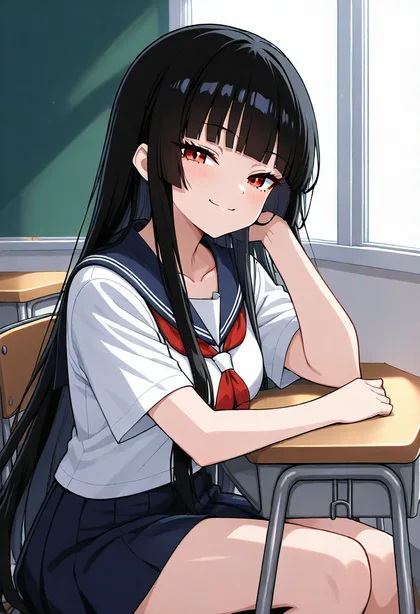 Kimono, summer festival
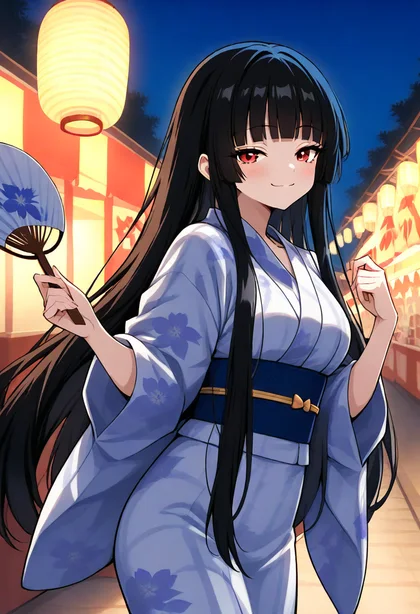
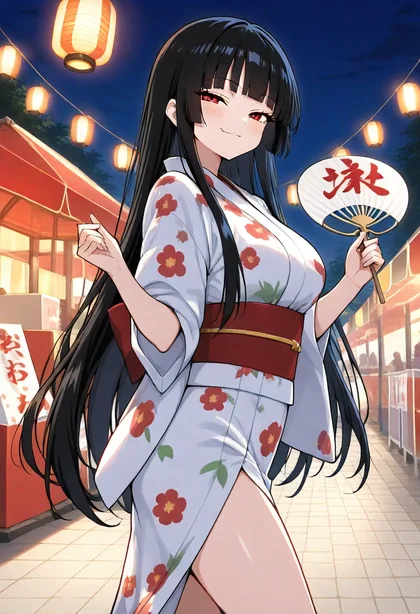 Armor, castle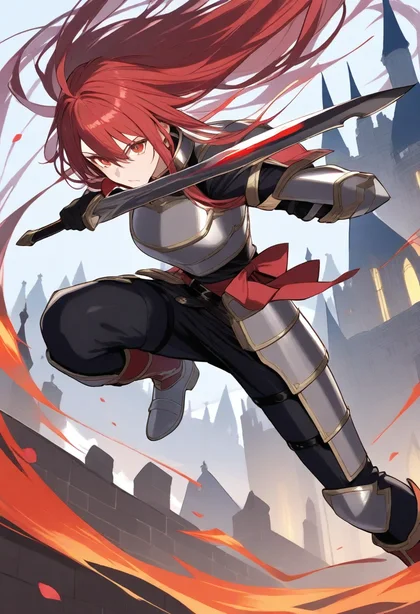
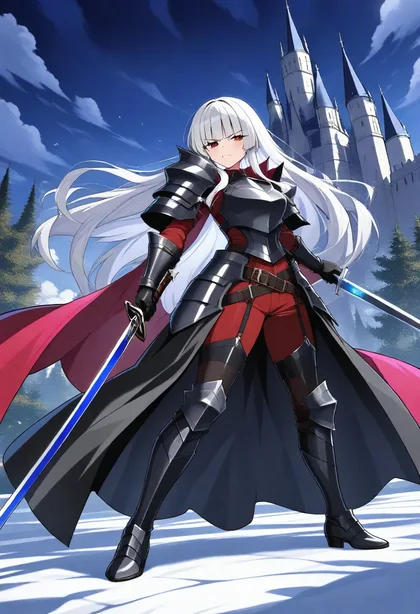
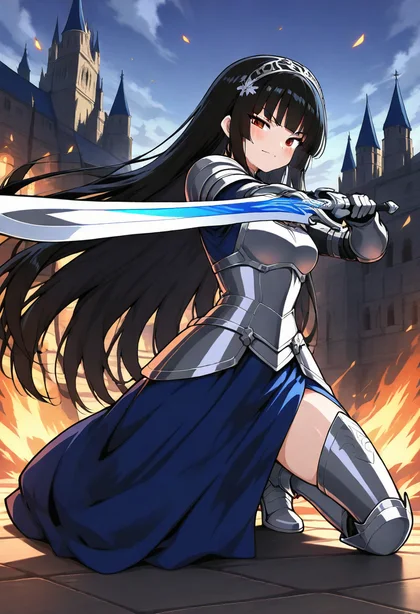
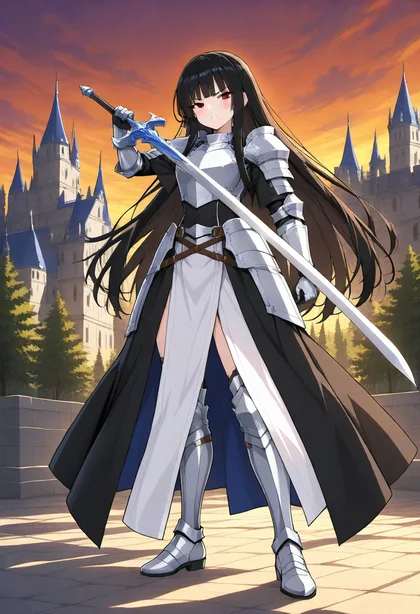
Keep the epoch that looks right, and ashi_girl works in the studio like any LoRA: any outfit, any place, next to other characters and styles.
Three kinds, one wizard. Each gets its own settings and its own kind of trigger.
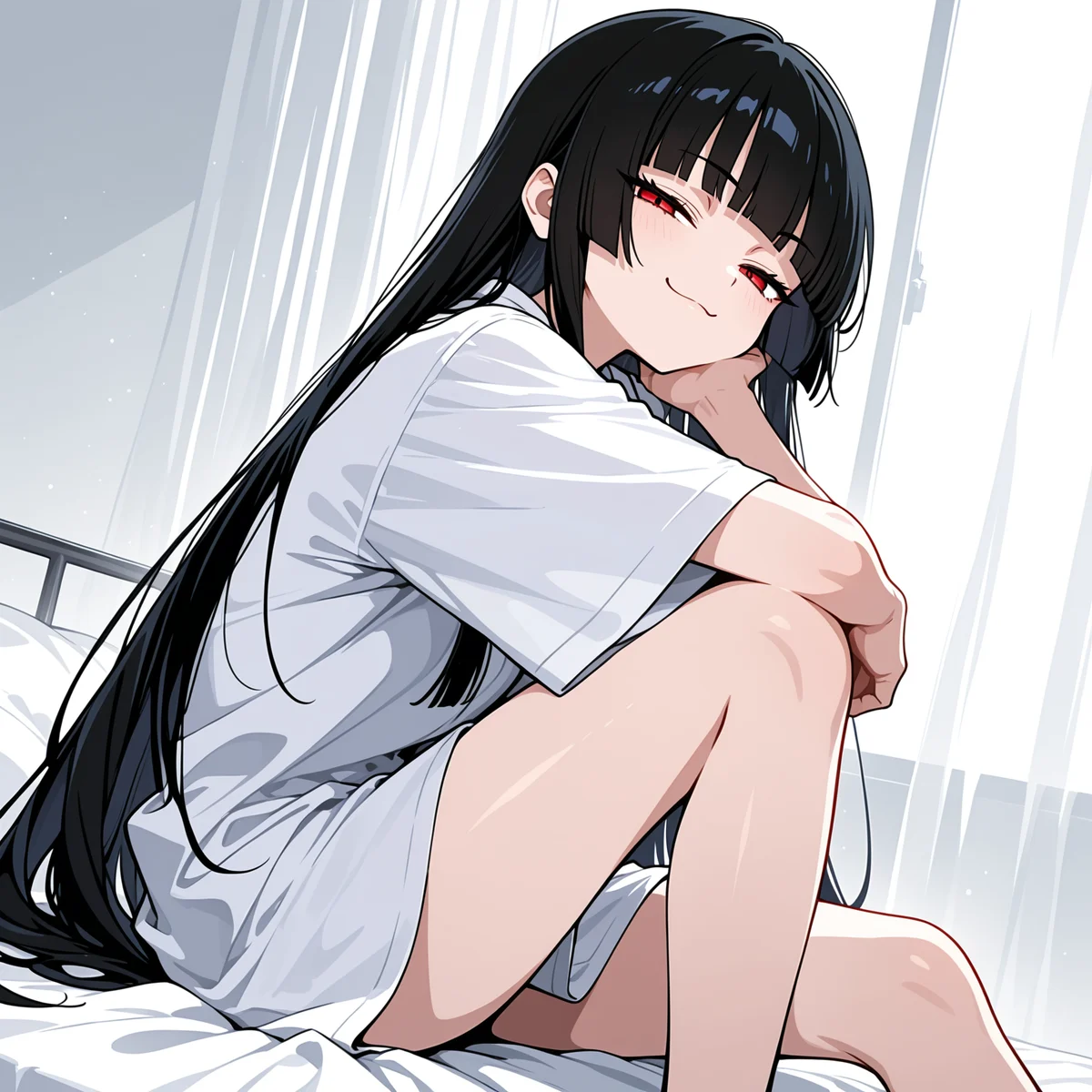
Lock in a face, a hair, an outfit and the small signature details, so the same character comes back in any scene, angle or lighting. For original characters and series work.
Start training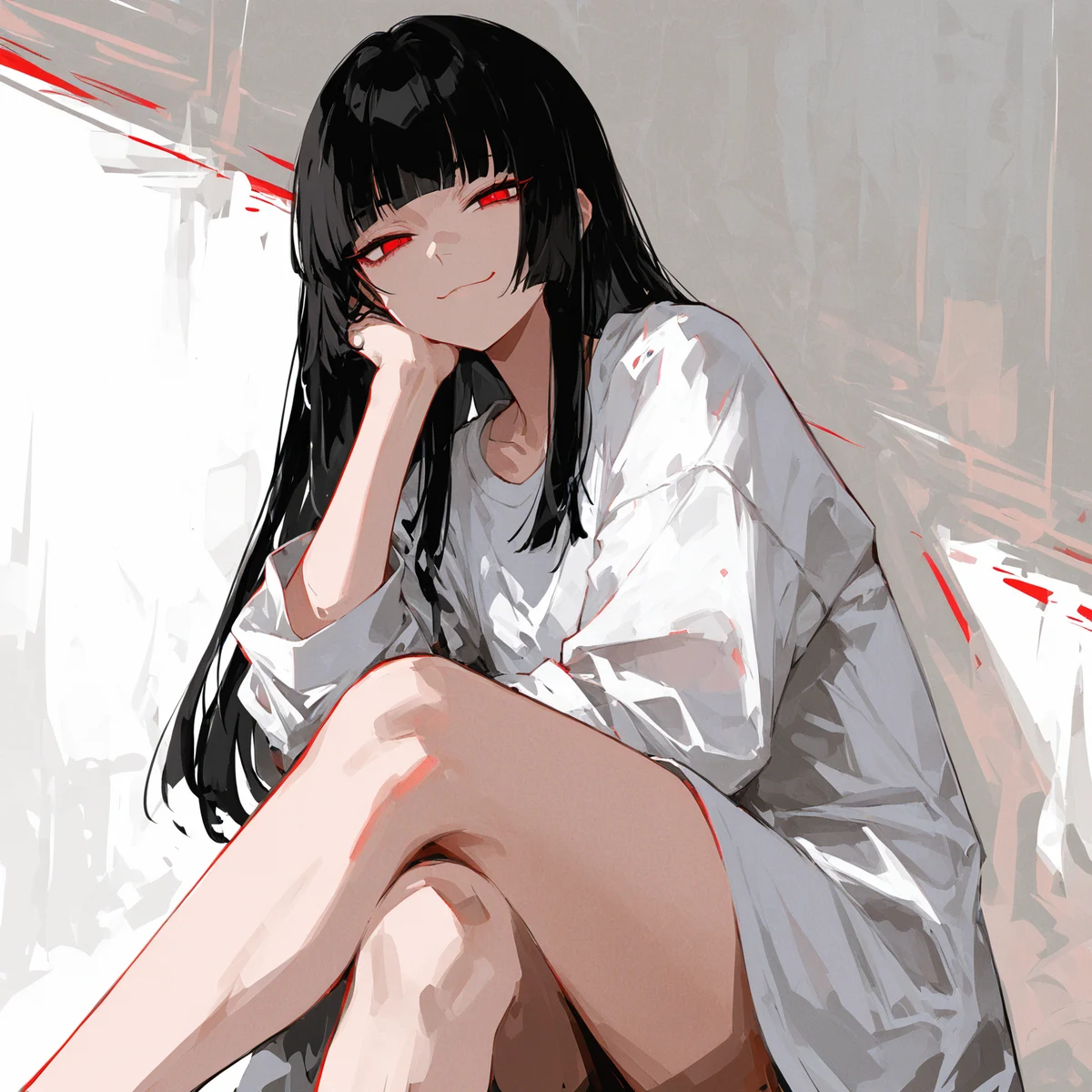
Capture a way of drawing: the linework, the shading, the palette, the texture. Applied to any subject, it gives a whole set of pictures one hand. No trigger word needed.
Start training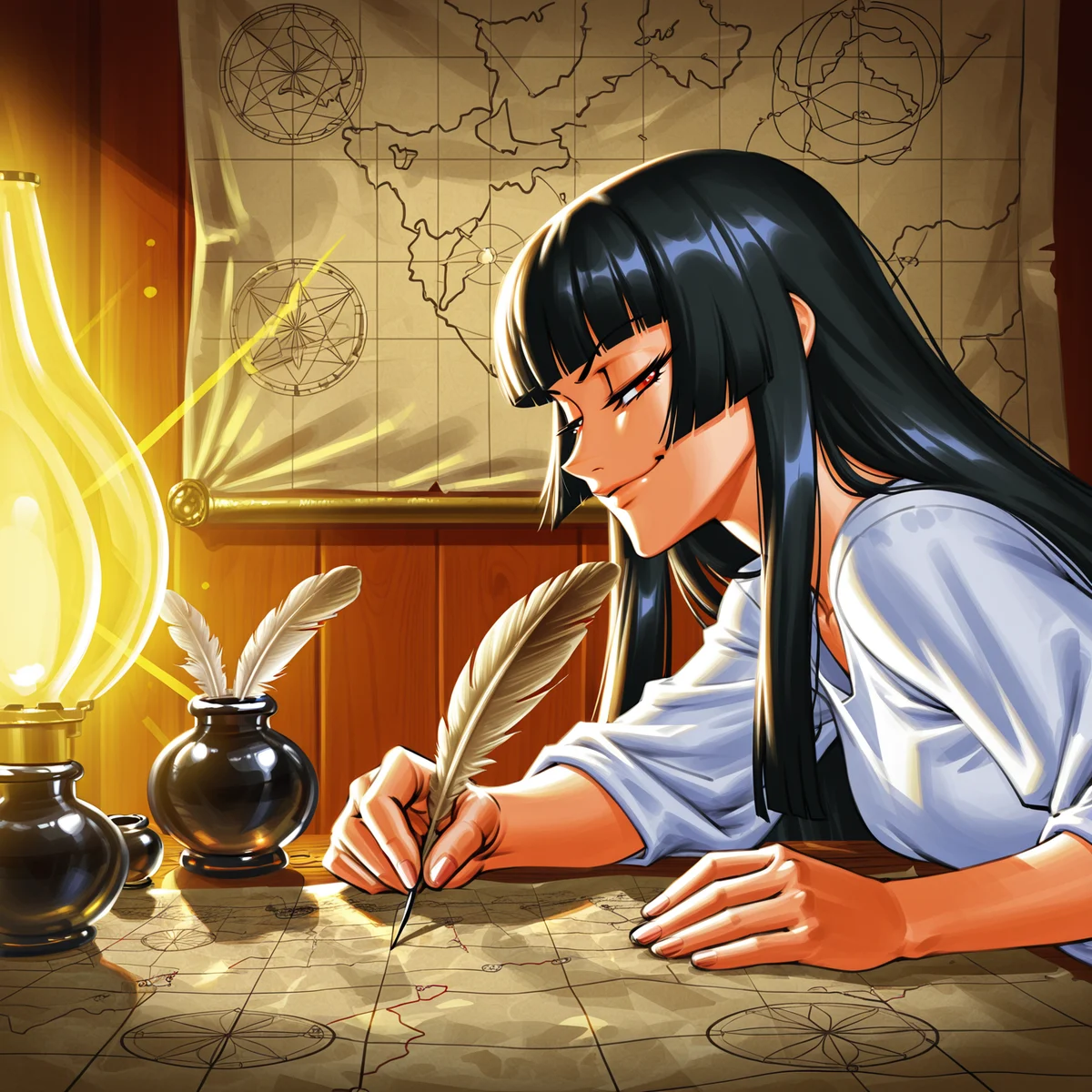
An object, an outfit, a pose, a prop the base model does not know. Summoned by its word, it drops into any character's picture.
Start trainingBetween 4 and 200 drawings that show what the model should learn, varied in pose and framing. Photos of real people are refused.
Character, style or concept, on Illustrious or Anima. The settings follow from your image count; the hands-on path lets you change them.
Every picture gets suggested booru tags; keep, fix or add, with the same autocomplete as the prompt box.
The run costs coins, from 2,000, shown before you confirm. Previews arrive as it trains.
Choose the epoch whose previews look best. The model is private to you unless you publish it on your page.
No tools to install, no GPU on your side, nothing to configure.
First-timers take the quick path; regulars edit tags and settings.
Characters, styles and concepts you reuse, private or published.
A trained model works with pose control, casts, inpainting, animation.
Everything else ashigen does, one click away. See them all in the Studio.
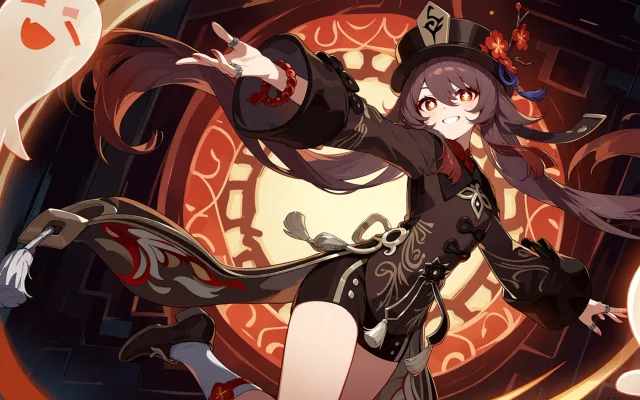 AI anime generatorAnime art from tags or plain words, free every day.
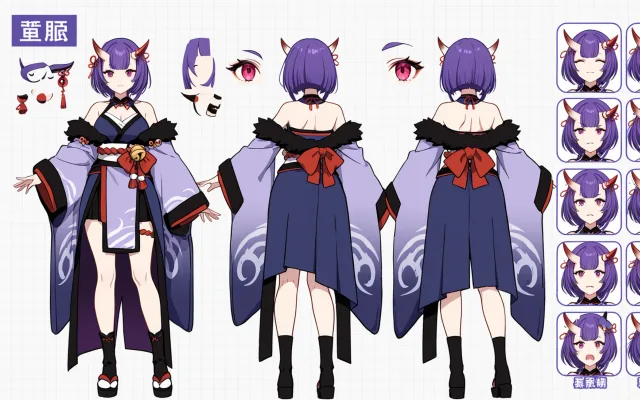 OC CreatorDesign an original character with dropdowns, see them in seconds.
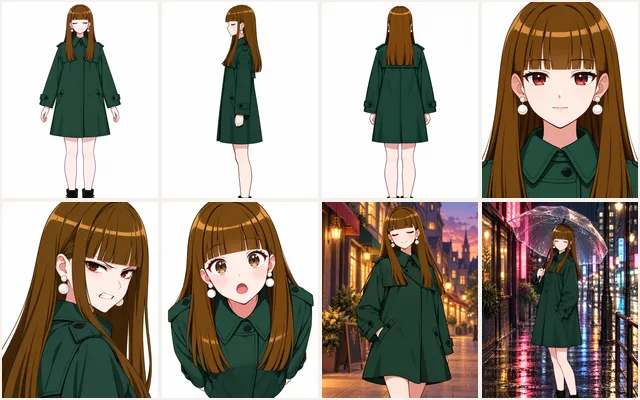 Reference sheetFifteen views of your character: turnaround, faces, scenes.
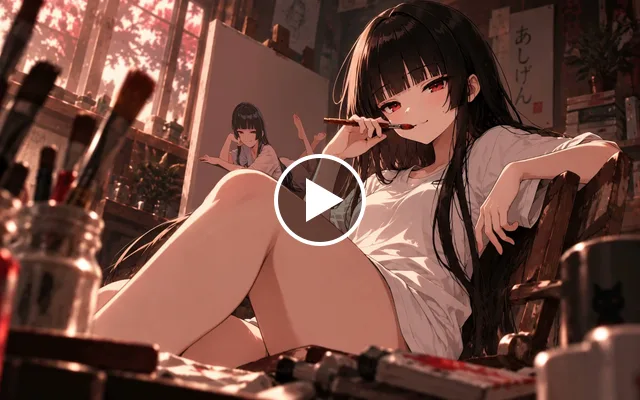 ProImage to videoA few seconds of motion from one picture and a line of direction.
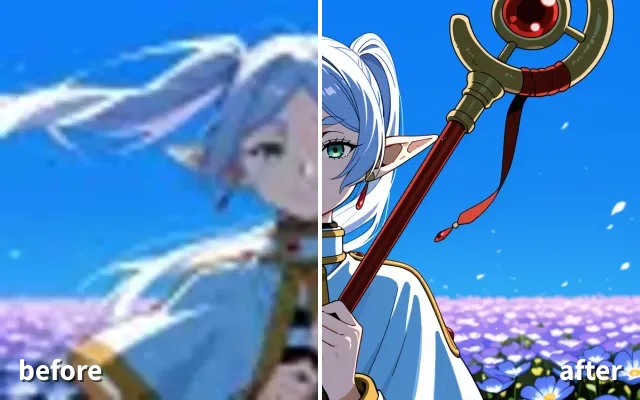 ProUpscaleMore detail and a bigger picture, in one pass.
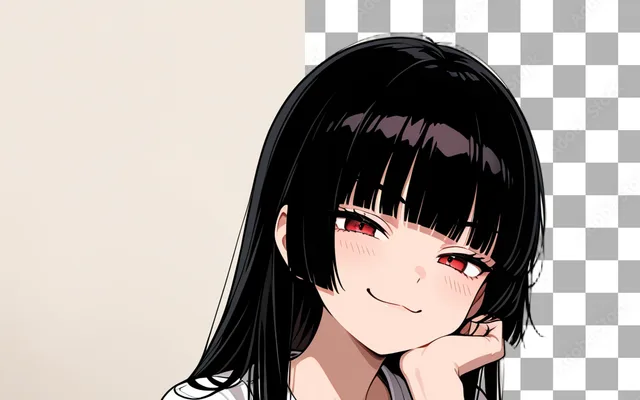 ProRemove backgroundCut your character out onto transparency.
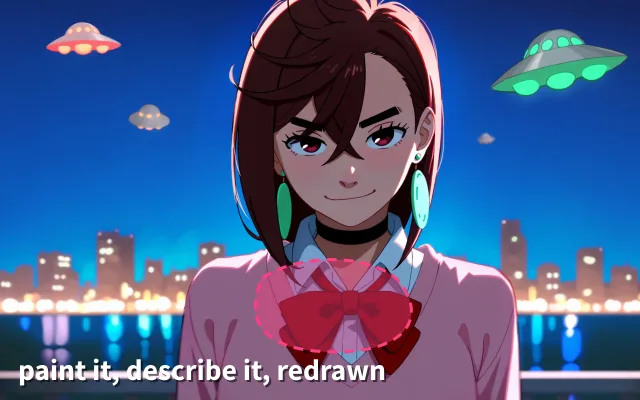 ProInpaintPaint over one part of a picture and redraw just that.
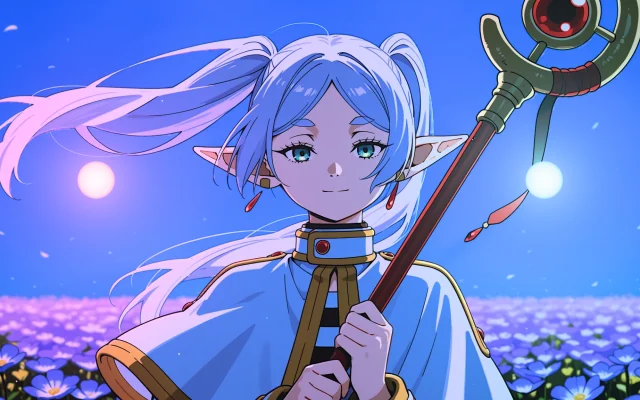 RelightMove the light on any anime picture, with shadows, rim light and coloured lights. Free.
Teaching the model a new thing, a character, a style or a concept, from your pictures, so it can draw it on demand. The result is a small file that loads next to the base model.
Four at the very least, around twenty for a character, up to two hundred. Quality beats quantity: clear subject, varied poses and framings, the same style throughout for a style model.
A made-up word nobody else would type, like a name. It is what you write in a prompt to summon the character or the concept; a style needs none.
About half an hour on our GPUs for a set of a dozen or two pictures, longer for big sets and long runs. Previews arrive during the run.
Coins, priced per run from 2,000 and shown before you confirm. Generating with the trained model costs the same as any image.
Drawings and renders of fictional characters. Photos of real people are screened out, and the content policy applies to everything.
Not from the site; the model lives in your account and runs here. Publishing shares it with other ashigen users.
Yes. Train a new version with more pictures or better tags; each run keeps its epochs so you can compare.